Digital financial services have become an important part of everyday financial management. According to Statista, online and mobile financial services were widely used across major global markets in 2025, reflecting continued demand for digital access to accounts and payments.
After all, our lives get faster every day, and we must do many essential things in a limited time. We often only have the opportunity to visit a bank and stand in line briefly. We want to do everything quickly and easily. And here, online banking comes to the rescue.
This article will analyze why online banking has become so popular.
Why Is Online Banking Growing So Fast?
Here are some of the key reasons online banking is such a widespread service:
- Fast Bills Payment
- Easy Money Depositing
- Round-the-Clock Monitoring
- Mobility and Flexibility
- Convenient Budget Management
1. The Chance to Pay Bills Faster
People pay bills all the time. Unfortunately, with so much on our minds, we often forget to pay them on time.
Using Online Banking
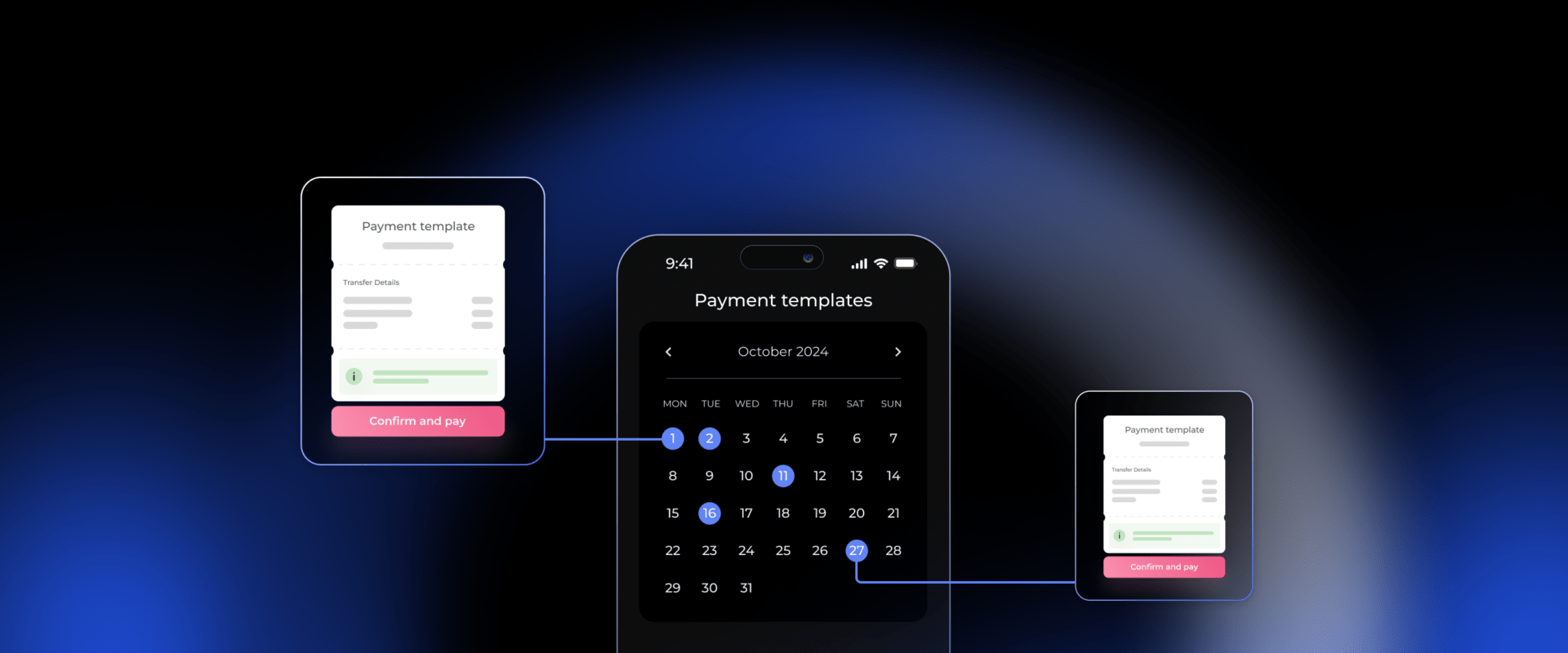
Online banking helps reduce the chance of missing bill payments. You can create a payment template if you regularly pay bills to the same company. This means you won’t have to complete all the payment details each time. Just select the template, and your payment is ready to go.
Example: If you pay your internet bill every month, set up a template with all the necessary details. Next time, just click on the template to make the payment quickly.
Setting Up Automatic Payments
If you know when a bill is due but need to remember it, you can set up an automatic payment. This is especially useful for bills about the same amount each time and are due on regular dates.
Example: Your rent is $1,000 and due on the first of every month. Set up an automatic payment to automatically send $1,000 to your landlord on that date.
Authorizing Direct Debits
You can also allow a company to debit a specific amount from your account on a particular day each month. Setting this up is usually straightforward.
Important: Always double-check that you’ve provided the correct account information for the company. If not, your money might go to the wrong place every time.
Example: If a gym membership costs $30 monthly, you can authorize the gym to withdraw $30 from your account on the 15th of each month. This way, you won’t miss any payments, and your membership stays active.
By using these features, you can simplify bill payments and avoid late fees.
2. Depositing Money with Online Banking Is Easy
Everyone strives to save money for their dreams—like buying a new car or a house. These big goals require setting aside money, preferably at a reasonable interest rate, and avoiding unnecessary spending.
Convenience of Online Banking
If you’re starting with a small amount, visiting the bank in person and waiting in lines might not be practical. Online banking makes it much easier and more convenient to open a new savings account from the comfort of your home. You can open an account, add to it over time, and eventually withdraw your savings and any interest earned when you’re ready.
Advantages of Online Savings Accounts
Another benefit of online banking is that the requirements for opening savings accounts are often less stringent. You can typically start with a smaller initial deposit than if you went to the bank in person. Plus, online platforms allow you to easily monitor your account and watch your savings grow over time.
Imagine you want to save for a vacation that costs $2,000. You open an online savings account with just $100. Each month, you set up an automatic transfer of $150 into this account. Over time, you can conveniently track your progress online as your savings grow, bringing you closer to your dream trip without the hassle of visiting a bank branch.
3. Monitor Your Transactions 24/7

Alt: Laptop screen showing a financial dashboard with various widgets, including cash flow, income vs. expenses, expense breakdown, and profit & loss graphs. Virtual coins in different currencies floating around.
Another reason to appreciate online banking is that you can access your account history with just a few clicks. If you need help remembering when you spent a certain amount of money, viewing your transaction history online can help you recall the details.
Monitor for Unauthorized Transactions
If you suspect unauthorized transactions have been made on your account, online banking makes it easy to check. You must call the bank or visit a branch to resolve the issue without online access. Now, you can quickly view all transactions, including those pending or under investigation.
4. Online Banking in Your Pocket
Not everyone can always be at a computer with internet access. People are busy, and often the only device we have is our smartphone. Fortunately, most banks offer mobile applications that are easy to install on your phone, allowing you to perform about 80% of all banking transactions without visiting a bank branch.
Even if you urgently need to complete a banking task and have only one minute, having your bank’s app on your smartphone enables you to do it quickly. However, one crucial thing to remember: before downloading a mobile app, make sure your bank created it and not by a third-party developer.
Beware of Fraudulent Apps
Today, many fraudsters take advantage of unsuspecting bank customers by creating fake apps similar to official banking apps. These counterfeit applications can steal your passwords and login information. Never download such unofficial apps to your device.
Safety Tip
Always download banking apps from official app stores like the Apple App Store or Google Play Store, and verify that your bank publishes the app. This helps protect your personal information from potential fraud.
5. Convenient Budget Management
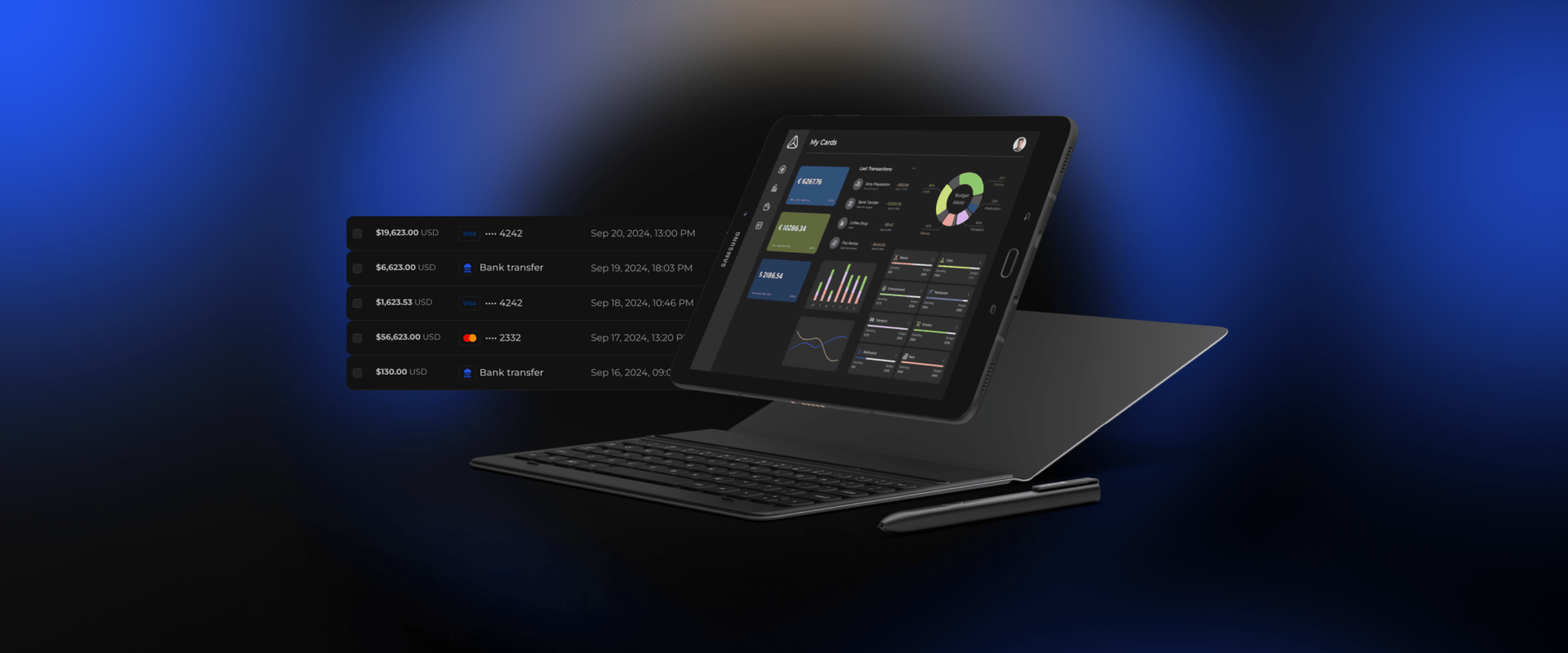
Alt: Tablet displaying financial transactions list and an analytics dashboard, with details on income, expenses, and recent transactions. Includes different payment methods and dates for each transaction.
Another reason why online banking is popular is its ability to help you manage your budget conveniently, quickly, and efficiently.
The Importance of Budget Control
Lack of budget control leads to excessive spending. If you don’t track your expenses and allow yourself to make impulsive purchases on items you don’t need, you may lose control over your budget. Money might disappear faster than you can earn it. That’s why controlling your spending is so important to maintain financial stability.
Using Budgeting Apps
Fortunately, many apps available on the App Store and Google Play are excellent for budgeting for the whole family. These apps allow you to combine your account with your partner’s in just a few clicks, making it easier to track all household expenses. By monitoring where your money goes, you can save a considerable percentage of your family budget that might have previously gone toward unexpected or unnecessary expenses.
How PayDo Supports Digital Business Payments]
The main advantage of Internet banking is convenience, allowing any user to receive any service worldwide. This is what makes many practical people who value their time migrate online. In addition, digital platforms use multi-factor authentication to protect client access.
Yet, if you want to take online banking to another level, consider PayDo.
All of the services mentioned above are in one place, one dashboard, and under one contract. Open a PayDo account and tap into online banking right away.
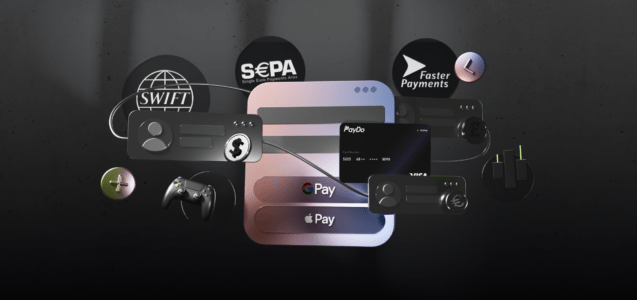
- Dedicated IBANs with 5 payment schemes and 59 currencies. Send and receive transfers from about 170 destinations.
- Merchant services are free without any chargebacks or rolling reserves. Instant settlements and 350+ payment methods included.
- Mass payments and automatic payouts.
- PayDo personal and corporate cards.
- Business account opening in 3-5 business days
Looking for a business account outside a traditional bank?
Open a business account online with an EMI. Onboarding takes 3–5 business days, with a dedicated account manager.
See the business accountFrequently Asked Questions
Is online banking safe for daily transactions?
Online banking platforms use multi-factor authentication, biometric logins, and encryption protocols to protect account access. Users should also ensure they only download official applications and monitor transaction history regularly. [⚑ стоп-слово: monitor — переписать]
What is the difference between online banking and EMI accounts?
Electronic Money Institutions (EMIs) provide digital accounts and payment processing without operating as traditional credit banks. Customer funds in EMIs like PayDo are safeguarded in segregated accounts within tier-1 European banks.
How long does it take to open a digital business account?
Digital business account onboarding typically takes between 3 to 5 business days once all corporate documents are submitted. Verification happens remotely without the need to visit a physical branch.
The main advantage of Internet banking is convenience, allowing any user to receive any service worldwide. This is what makes many practical people who value their time migrate online. In addition, these services are reliably protected from any fraudulent activities.